
How to Access Board Documents
Step 1
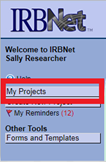
Log in to IRBNet and select My Projects on the left navigational panel. Locate the appropriate project and click the title to open.
Step 2
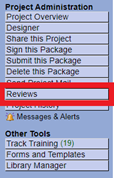
Select Reviews on the navigational panel.
Step 3
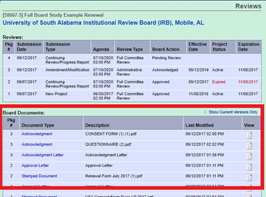
This brings you to the Reviews screen where you have access to all published Board Documents.
Need additional help?
Please contact your committee administrator:
IACUC & IBC @ daniellemiller@southalabama.edu
IRB @ irb@southalabama.edu