Sharing Project Access
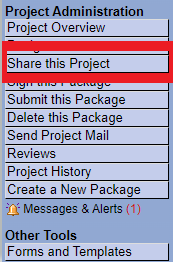
Step 1
To share access to your project, select the Share this Project button on the navigational panel.
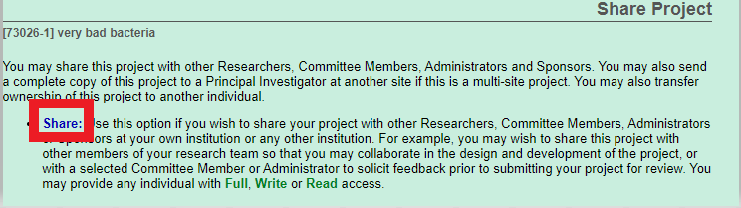
Step 2
Select Share on the Share Project screen.
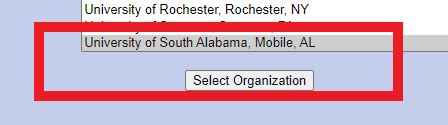
Step 3
Please be sure that University of South Alabama is highlighted then click Select Organization.
After clicking Select Organization, a search bar populates on the screen. Search for the name you want to share access with.
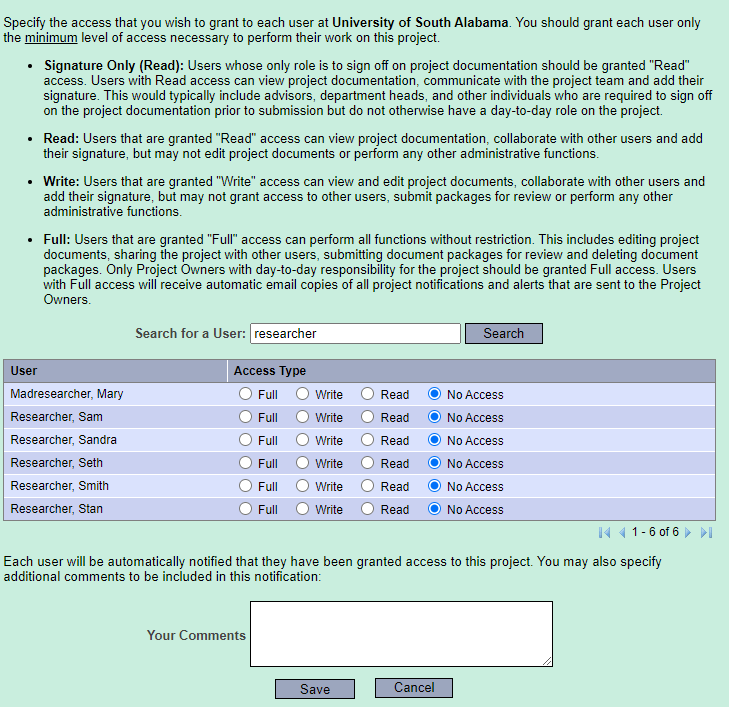
Step 4
Select the desired Access type radio button for the individual based on the definitions listed on the screen. Select Save.